
Outbound Contact Introduction
A Unified Outreach Platform Built to Power Team Growth
Outbound Contact provides a unified outreach platform designed to help teams connect with the right leads and contacts, at the right time, through the right channels. By combining intelligent data, automated workflows, compliance controls, and real-time performance insights, teams increase engagement, improve efficiency, and spend more time on high-value conversations— not managing outreach.
Resources
Practical guides and templates designed to support stronger reply rates and consistent pipeline growth.
Outreach Priorities (Next 12 Months)
Teams:
- When it comes to LinkedIn and Email outreach, what are your top priorities for the next 12 months?
- What types of leads or contacts are you hoping to attract through LinkedIn and Email outreach? Examples: decision-makers, referral partners, high-intent inquiries (short- and long-term).
- Are you primarily looking to generate new opportunities, build lead pipelines, or establish referral partnerships through your outreach campaigns?
- What geographic regions or industries are most important for your outreach focus right now?
- How do you currently qualify leads from LinkedIn or Email responses, and what criteria define a “good fit” contact? Ready to engage now vs not ready but potentially in a few months/years.
- What are the biggest challenges you face with digital prospecting today—lack of time, poor lead quality, low response rates, or something else?
- What would success look like for you over the next 90 days using LinkedIn and Email outreach—more meetings, more qualified replies, or higher-quality leads?


Built for consistent, compliant outreach

Positioning Relevance with Outbound Contact
A platform + success model designed to help teams connect with leads and contacts while keeping outreach personal and measurable.
Positioning Relevance
- Outbound platform for connecting with leads and contacts
- Automated LinkedIn and Email Outreach
- New Lead & Contact Lists
- Managed Playbooks
- Real-Time Engagement Reporting
- Dedicated Success Team

Outreach Platform to Engage Leads & Contacts
Run coordinated LinkedIn + email campaigns, unify conversations, and optimize performance with testing and reporting.
-
1Automated Campaigns for Lead Generation Launch personalized LinkedIn + email outreach to engage the right prospects and drive qualified conversations.
-
2Targeted Lead Lists with Discovery & Verification Find and verify contact info using LinkedIn and Sales Navigator data.
-
3Import Lead Lists with CRM Sync Upload CSVs and sync activity to your CRM (or systems) via webhook.
-
4Tailored Messaging Based on Behavior Invites, emails, and follow-ups adjust based on engagement—maximizing relevance and response.
-
5Unified Messaging Inbox Track every LinkedIn + email reply in one centralized inbox for lead capture and follow-up.
-
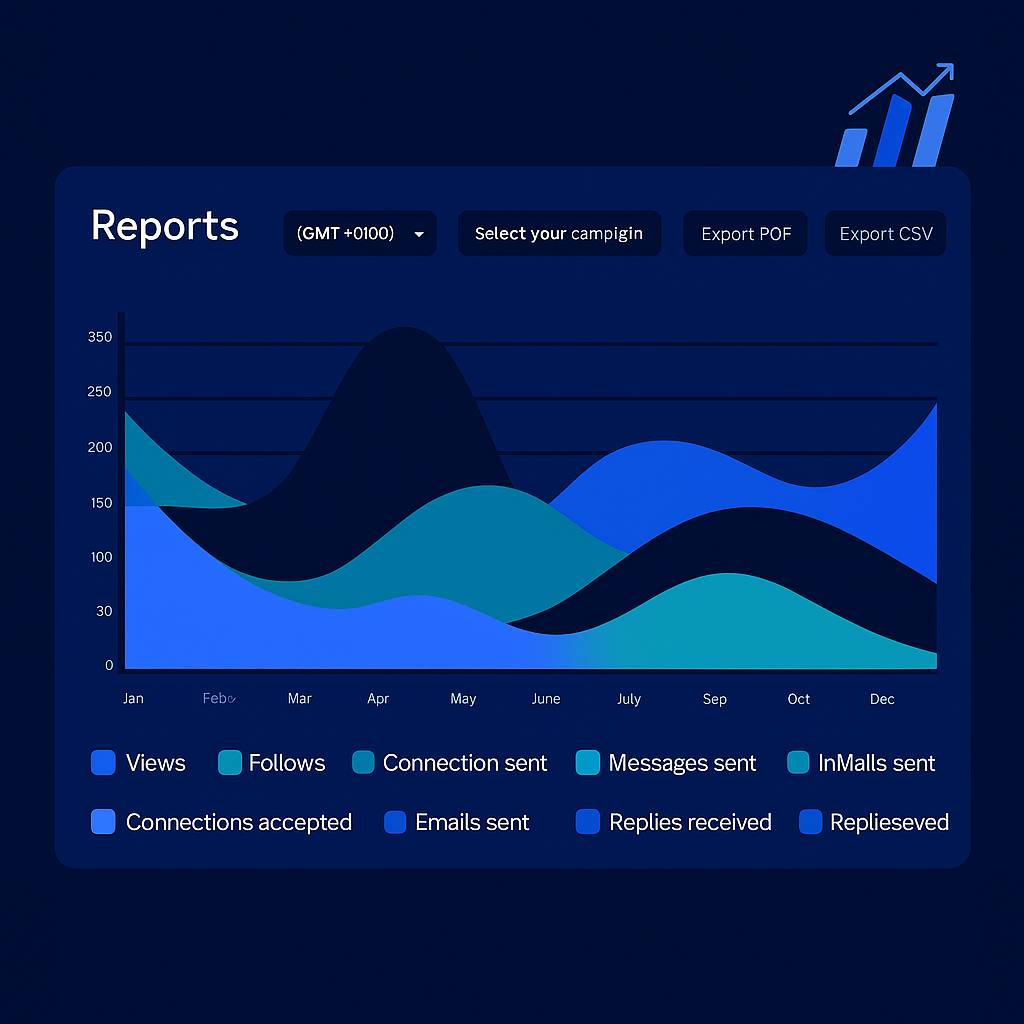
6A/B Testing & Reporting Test messaging for different audiences and refine with reporting.
Sales Navigator Lead Searches
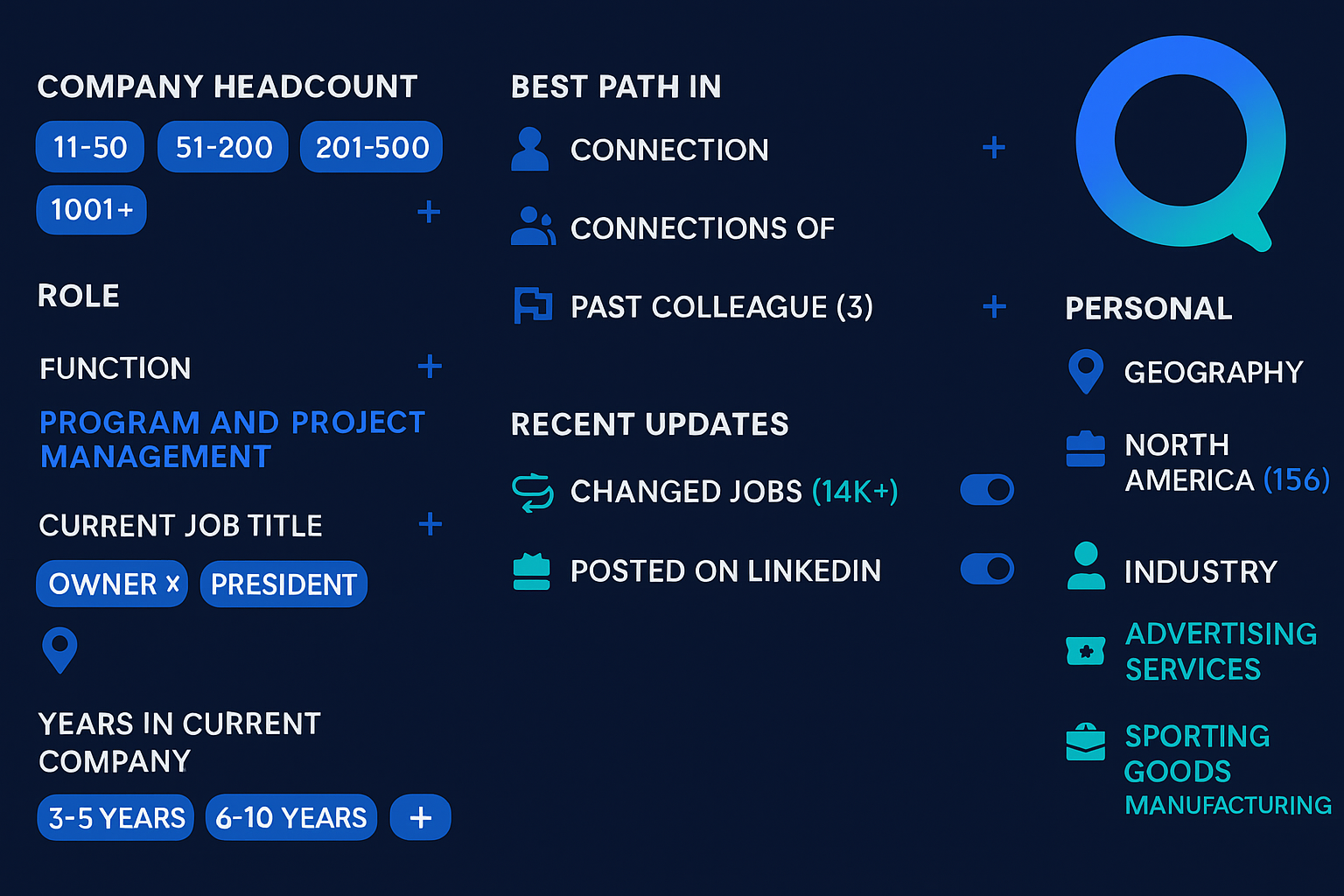
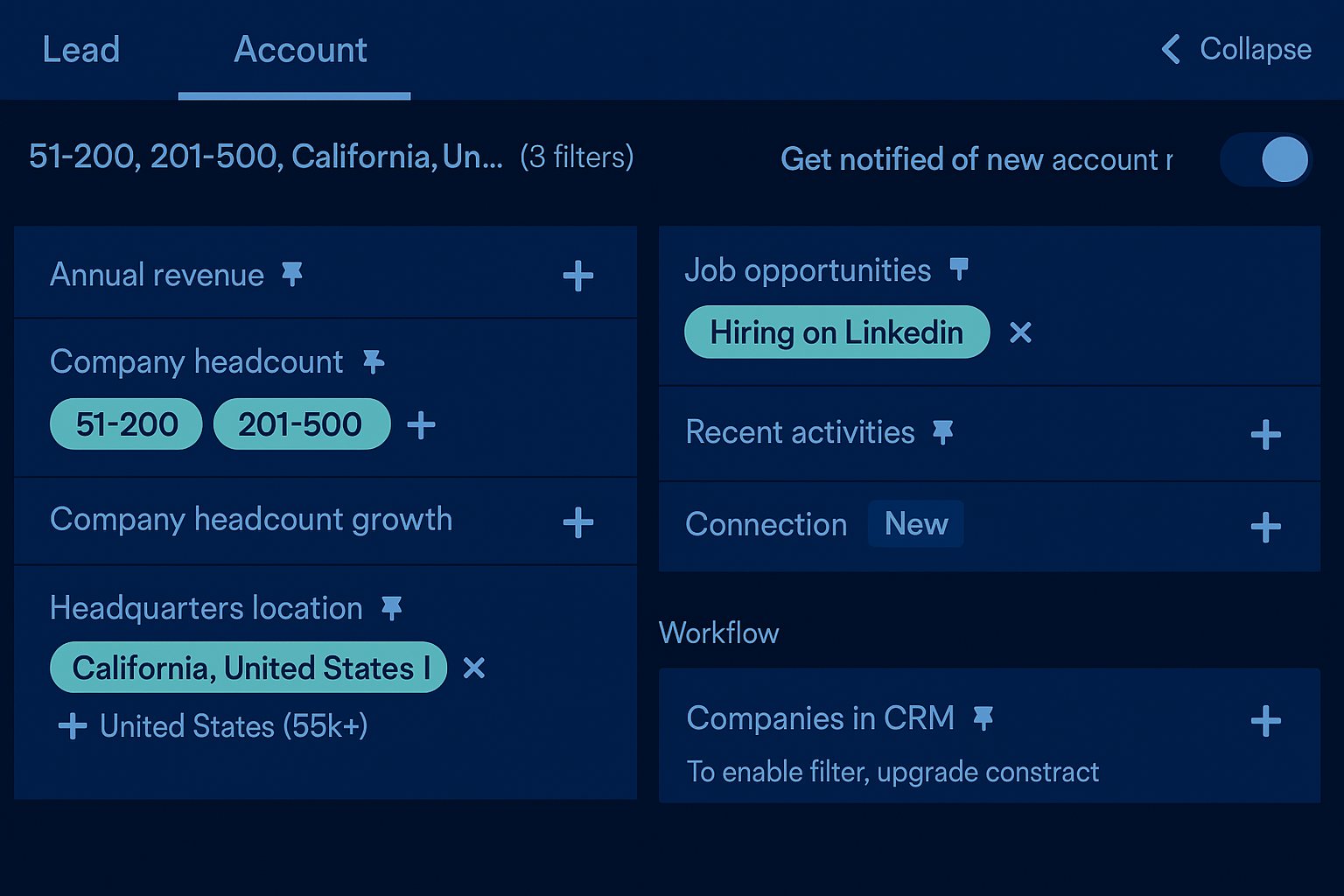
Create targeted lists with Sales Navigator Lead filters
- Build highly targeted prospect lists
Use advanced LinkedIn filters such as industry, company size, geography, seniority, job title, and recent activity to focus outreach on true decision-makers. - Match ideal contact profiles
Align outreach precisely with your ideal contact criteria—avoiding broad, generic lists. - Save and reuse lead searches
Maintain consistent, repeatable targeting across campaigns while keeping prospect lists fresh and relevant. - Improve response rates at scale
Increase outreach quality, boost response rates, and create scalable LinkedIn + email engagement—without manual list building every time.
Add a New Lead List in Outbound Contact
Import leads via your Sales Navigator Lead Search URL or upload a .CSV file
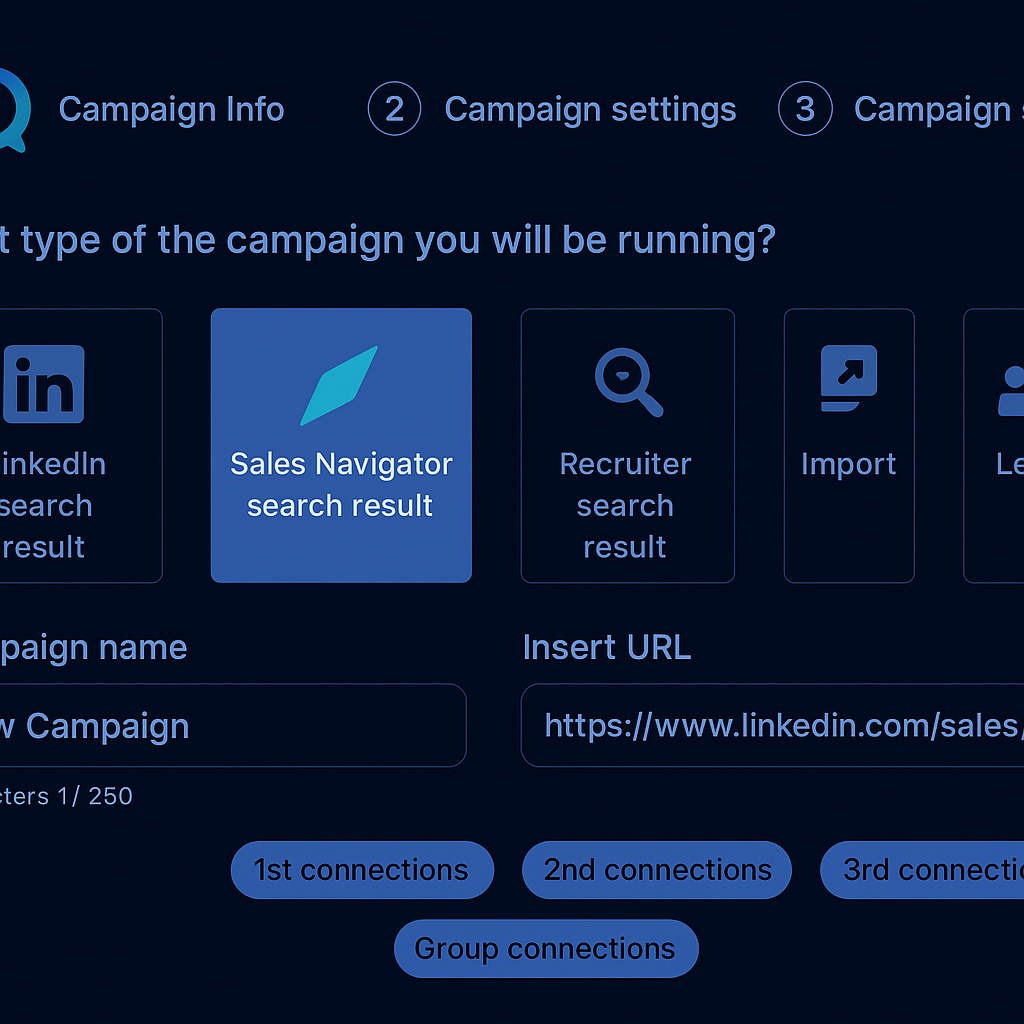
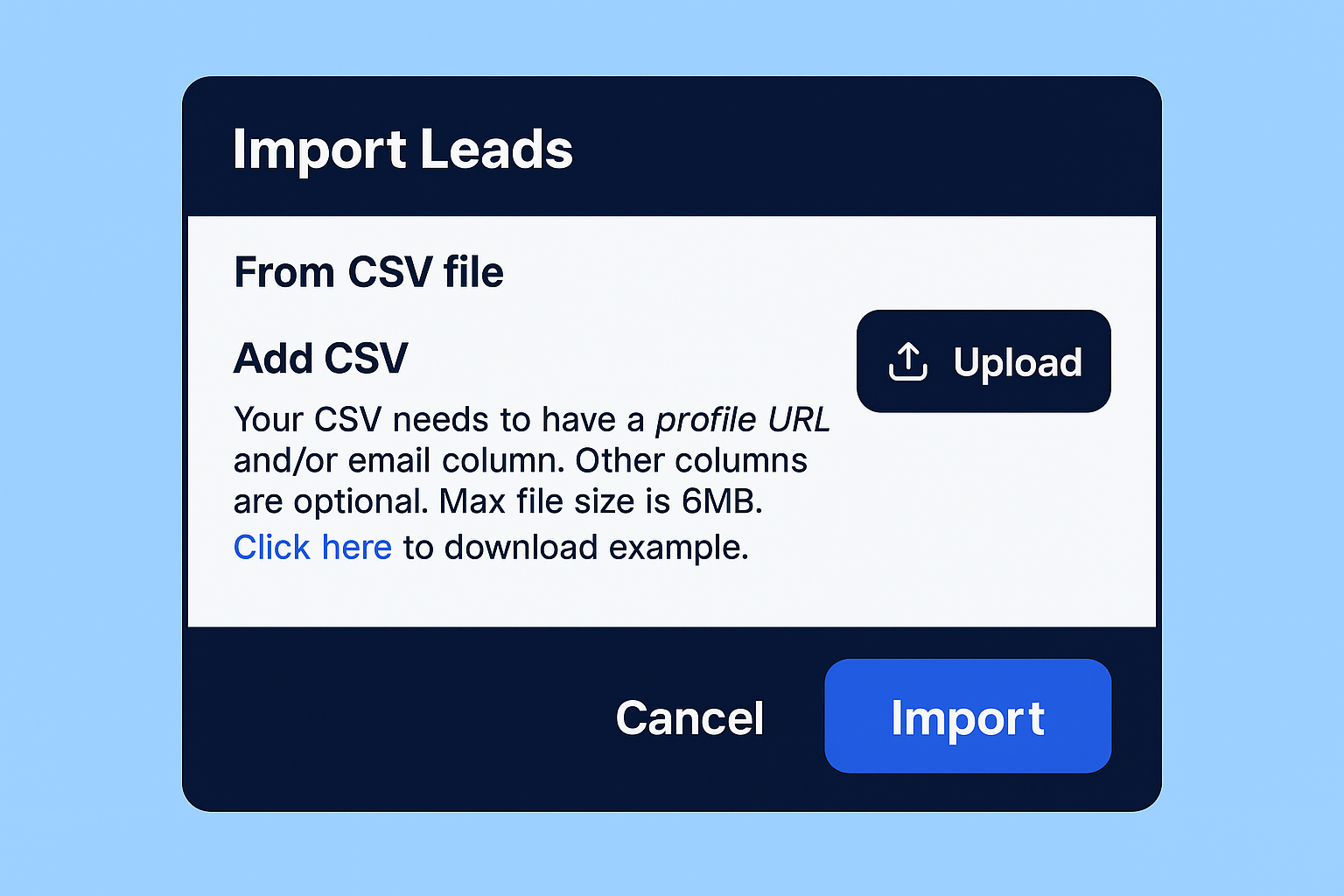
- Import leads via Sales Navigator or CSV
Create a new Lead List and import prospects using a Sales Navigator Lead Search URL or by uploading a .CSV file from approved data providers. - Native LinkedIn & external data support
Import leads directly from LinkedIn and other external sources—eliminating manual cleanup and reformatting. - Automatic field processing
Sales Navigator imports preserve key fields for personalized LinkedIn and email outreach, while CSV uploads support flexible field mapping. - Centralized lead management
Keep all leads and contacts organized in one platform and move immediately from discovery to active outreach sequences. - Faster campaign launch
A streamlined import workflow reduces operational overhead and helps teams launch clean, consistent campaigns faster.
Outbound Contact LinkedIn & Email Campaign Sequence
Smarter Multichannel OutreachLaunch outreach across every key channel with a unified approach that keeps your messaging consistent, relevant, and easy to scale. Launch Personalized OutreachFind the right prospects, build ICP sequences, personalize at scale, and track results—everything your team needs in one workflow. Multichannel touchpoints that feel naturalMultichannel engagement works because it meets prospects where they’re most active. Use interest-based interactions, personalized messages, and activity-based triggers to build familiarity before direct outreach—creating trust and improving recognition. Intelligent timing and prioritizationEngage prospects at the right moment with behavior-based triggers, channel sequencing, and smart prioritization that helps your team focus on the highest-intent contacts first—without adding complexity. |
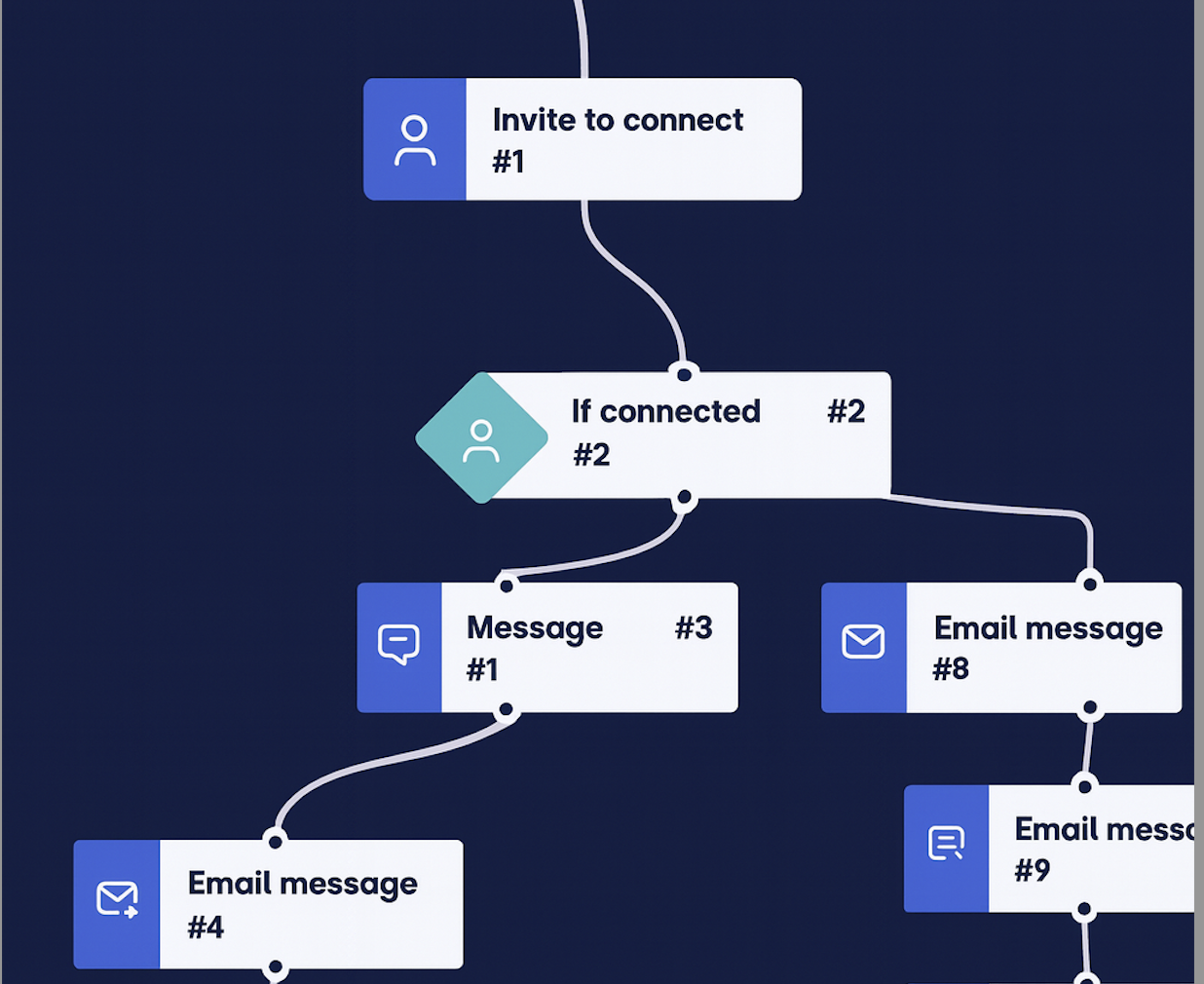
Unified flow: LinkedIn + email follow-up in one sequence.

Better targeting: Start with the right prospects.
|
Lead Funnel / Reply
Lead Funnel & Lead Tagging in the Unified Message Inbox
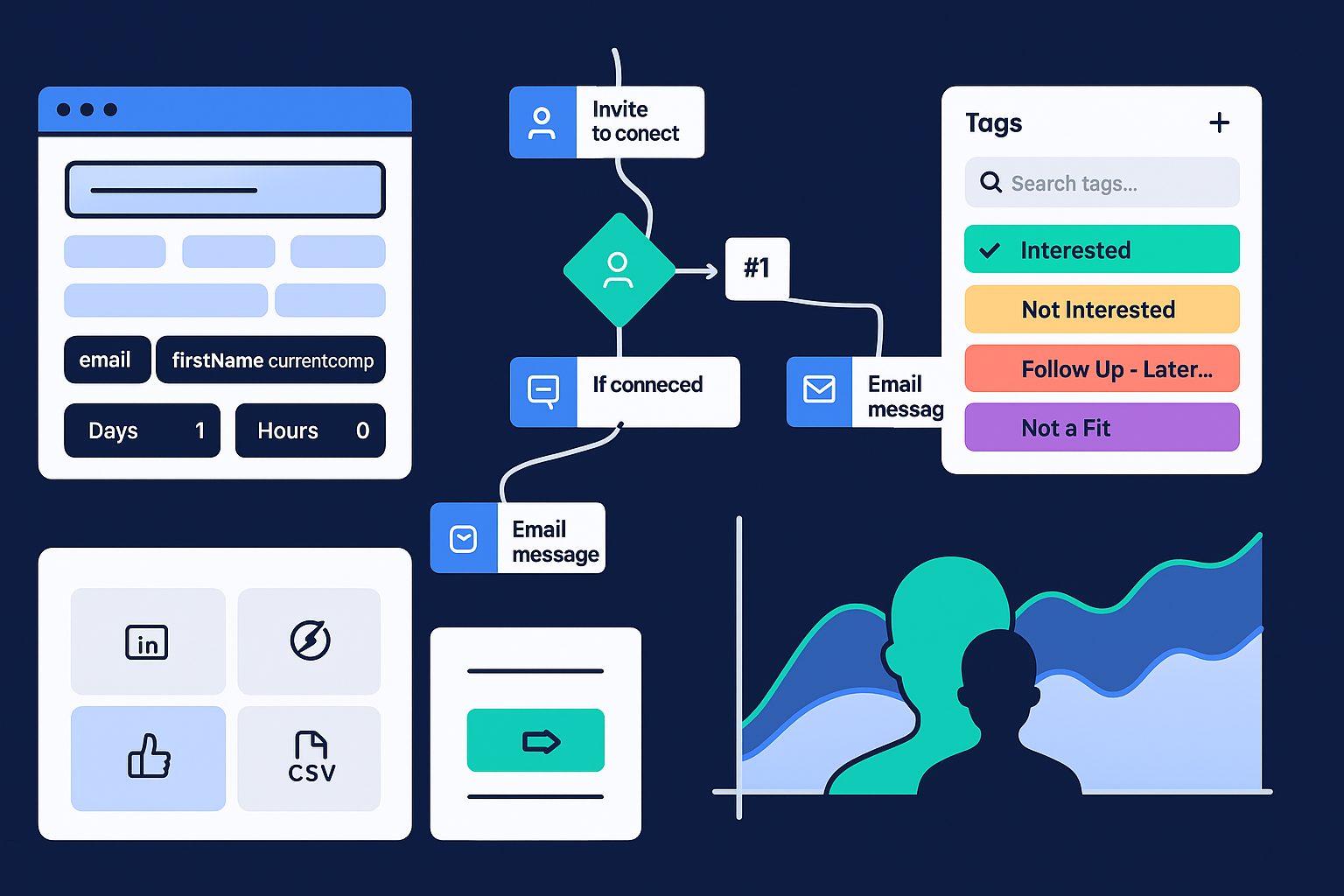
Unified inbox: All conversations in one view.
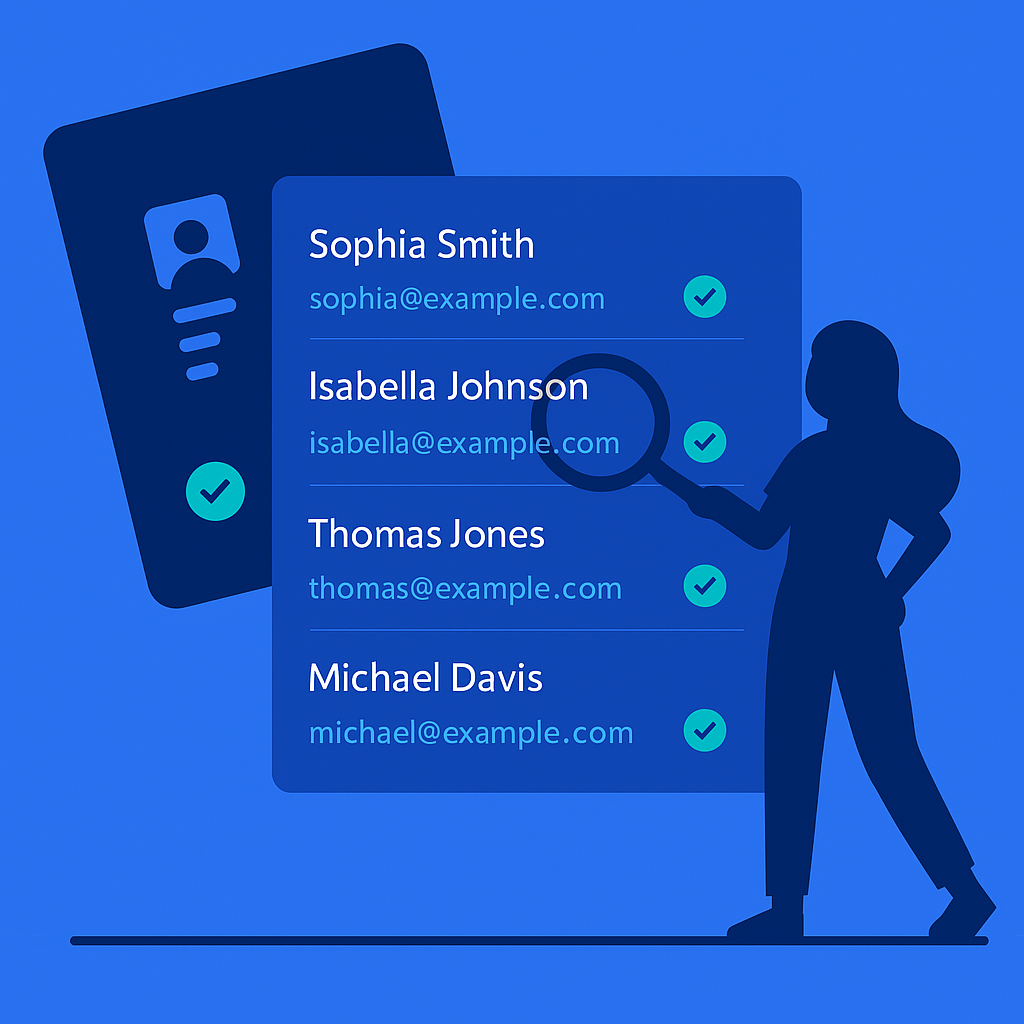
Connected flow: Discovery, verification, and replies stay linked.
|
|
Choose the plan that fits your team
Get full platform access at every tier. Upgrade for more managed support as you scale.
Self-Managed
DIYFull access for solo operators and lean teams running campaigns independently.
- Unlimited campaigns
- Cloud-based multichannel automation
- Unlimited email automation + warm-up
- Email finder & verifier
- Unified Inbox + Lead Funnel tracking
- Image & GIF personalization
- Smart Sequences Library
- A/B testing + Analytics & reports
- API + webhooks
- Localized in 7 languages + Global blacklist
- 1:1 onboarding session
Team
ScaleBuilt for teams running higher volume outreach and needing consistent execution, reporting, and support.
- More capacity for scaling campaigns
- Expanded support for optimization
- Deeper performance reviews & guidance
- Ongoing campaign iteration support
- Improved operational consistency
Next Steps
Here’s a simple launch checklist—designed to keep implementation clean and predictable.