
Outreach Playbook + Prompt Examples
Using ChatGPT to Generate Content for LinkedIn and Email Outreach, Generate Objection Responses and Follow Up Messages for No Replies. [+Prompt Examples]
ChatGPT can be a powerful tool for writing highly personalized sales templates that get replies and help you book meetings—
but only if you know how to “converse” with it using precise prompts and feedback loops.
Jump into the guide
See prompt examples
✍️ Cold email + subject lines
💬 Objection responses
🔁 No-reply follow-ups
Overview
ChatGPT infiltrated many aspects of our lives, whether we like it or not.
While some are panicking about it taking over jobs, others are using it to be more effective in everyday tasks—especially for lead generation, sales, and cold outreach.
The key: it only works if you know how to “converse” with it—meaning you give precise prompts and iterate with feedback.
In this post, you’ll learn how to:
- Converse with ChatGPT to get effective cold templates
- Give feedback loops to improve outputs
- Create hyper-personalized messages using LinkedIn profile context
- Put messages into sales automation tools
- Use ChatGPT to save time while increasing replies
1) Basics of Using ChatGPT for Sales
Better prompts = better outputs. Your first prompt doesn’t need to be final; iterate using:
- Trying another prompt
- Providing feedback + additional instructions
- Manually editing the output (especially for small tweaks)
Tip: Always review word count, tone, and clarity. ChatGPT is helpful—but not perfect.
2) Combine ChatGPT with Outbound Contact
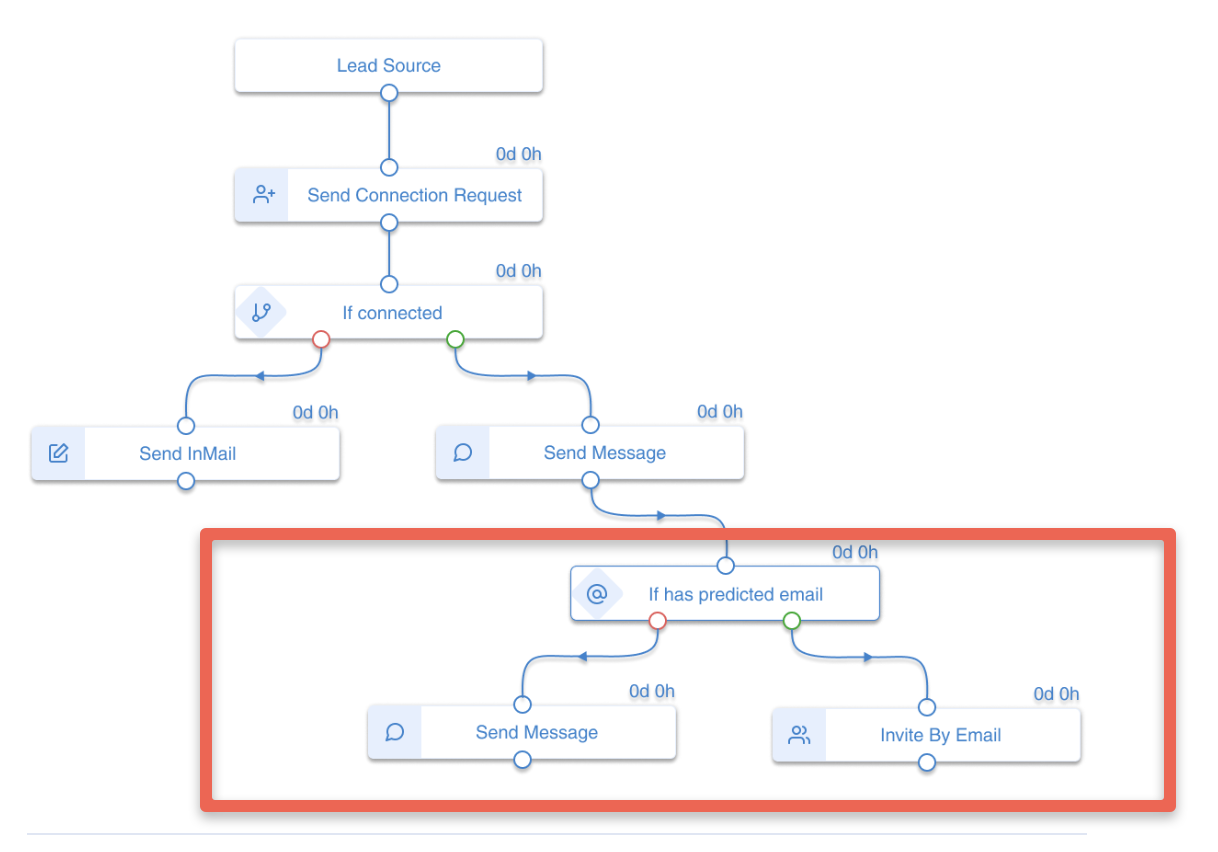
Use ChatGPT alongside sales automation tools like Outbound Contact to generate emails, InMails, LinkedIn messages,
follow-ups, and even entire outreach branches in Smart Sequences based on engagement.
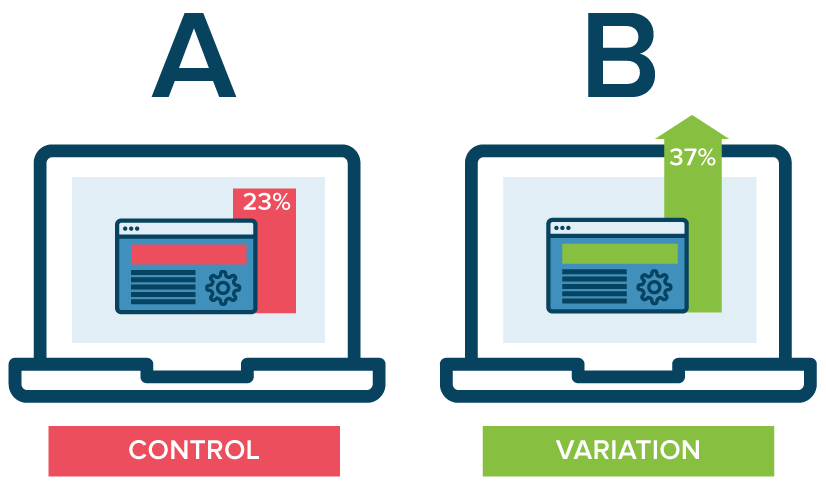
Outbound Contact also supports A/B testing (connection requests, subject lines, message copy) and step-by-step reporting to make data-driven decisions.
3) How to Give Prompts to ChatGPT for Sales Messages
Be explicit about the format you want: word count, tone, audience, and whether you need a subject line.
Way #1 — Copy & paste information + prompt
Prompt Example: Cold email + subject line (≤ 80 words)
Write a cold email using up to 80 words (signature excluded) and a subject line to my buyer persona.
My buyer persona is Chief Revenue Officer...
[Include ICP, pains, and USP here.]
If the output is too “salesy” or “dry”, give direct feedback and ask for a rewrite—no need to start from scratch.
Feedback Loop Example
Thank you. Please create an email a little less salesy and keep it 80 words or less.Way #2 — Generate copy for automation tools (with variables)
Tell ChatGPT which placeholders your tool needs (e.g., {First Name}, {Company Name}) so messages personalize at scale.


Way #3 — Upload a lead’s LinkedIn profile (PDF) for personalization
ChatGPT can’t access LinkedIn directly. Download a profile as PDF and reference it in your prompt.

Prompt concept: “Write a cold email (≤ 80 words), reference something from their work history, and ask for a meeting.”
Way #4 — Use LinkedIn posts to personalize icebreakers
Paste the post content (not a link), ask ChatGPT to use it as a relevant opening, then bridge into your offer.
Way #5 — Generate objection responses

Way #6 — Generate no-reply follow-ups
Paste your original email and ask for a follow-up that starts a conversation (not just a hard pitch).
4) Prompts for Subject Lines
Subject lines strongly influence open rates. Try:
- Paste your email → ask for catchy subject lines
- Ask for a character limit (e.g., 60 characters)
- Provide product keywords + persona goals
Example prompt: “Suggest subject lines up to 60 characters for the email below that increase opens.”
Summary
Your options for using ChatGPT in sales are essentially infinite. Experiment, iterate with feedback, and don’t hesitate to manually adjust outputs.
Combined with Outbound Contact’s automation, A/B testing, and reporting, you can move faster and learn what actually performs.
Schedule a Discovery Call
Want help building high-performing outreach messaging and sequences with Outbound Contact?