
LinkedIn Outreach: Outbound Contact’s Universal Guide
LinkedIn is the #1 social platform for professional lead generation. With 900M+ users and decision-makers active every day, it’s no wonder marketing, recruiting, and sales teams use LinkedIn outreach as a core workflow.

LinkedIn outreach is a big topic—full of misconceptions, mixed advice, and tactics that only work in specific situations. This guide breaks it down into a clear playbook you can apply immediately.
LinkedIn outreach is the process of sending connection requests and messages to potential leads and contacts via LinkedIn. It’s a practical way to expand your network, warm up conversations, and build positive relationships.
It’s not just about sending requests or messages—it’s what you accomplish with them: better targeting, better context, and more natural conversations.
LinkedIn spans nearly every industry. With the right filters and lead generation strategies, teams can find qualified decision-makers faster than on most other channels.
Profiles give you context (roles, posts, mutual connections). Referencing real details makes messages feel human—and improves acceptance + replies.
Both channels work. LinkedIn often has an edge because it’s more transparent and conversational—contacts can review your profile, and notifications create natural reminders. Email still matters because some people prefer it or aren’t active on LinkedIn.
LinkedIn offers multiple ways to reach leads and contacts—each with its own ideal use case.
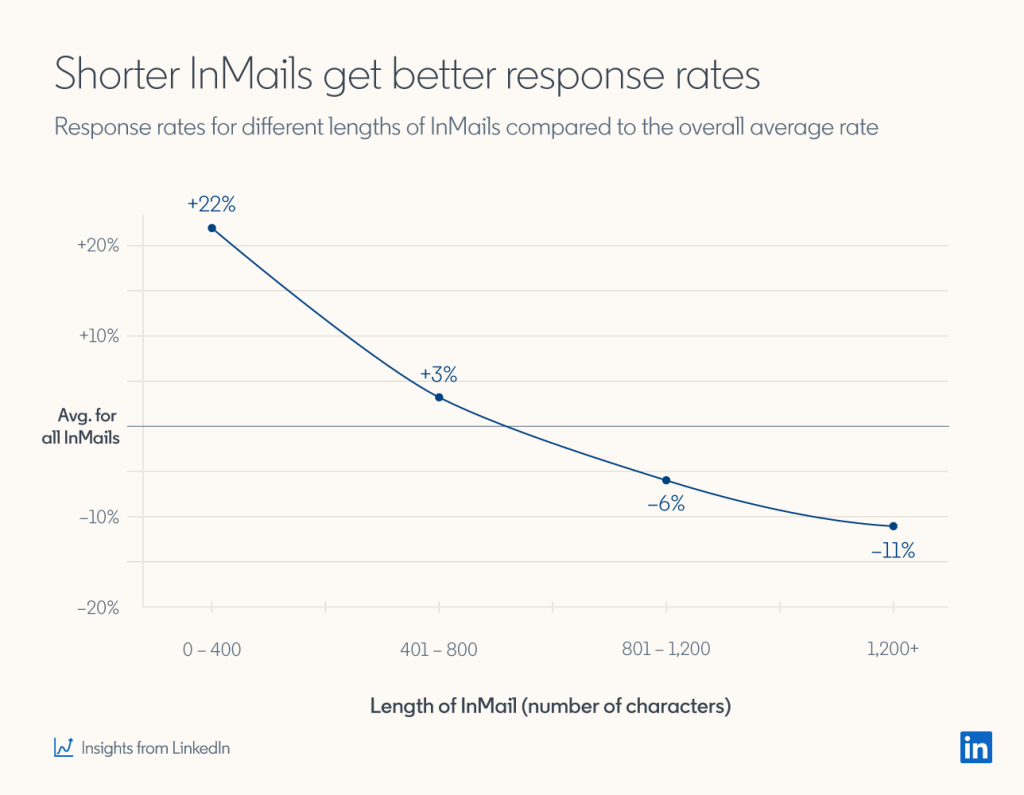
- Define ICP and contact persona. Identify roles, industries, company size, pains, and signals you can act on.
- Find leads using LinkedIn search & lists. Use filters (Sales Navigator/Recruiter if available) and save searches or lists.
- Set up an outreach campaign. Choose lead source (URL or CSV), connection degree, and scheduling parameters.
- Create a sequence. Build an action path with if/else logic based on contact behavior (connected, replied, etc.).
- Craft your messages. Structure: personalization → context → value → clear CTA.
- Nurture & engage. Ask questions first, tailor your response, and keep momentum through thoughtful follow-up.
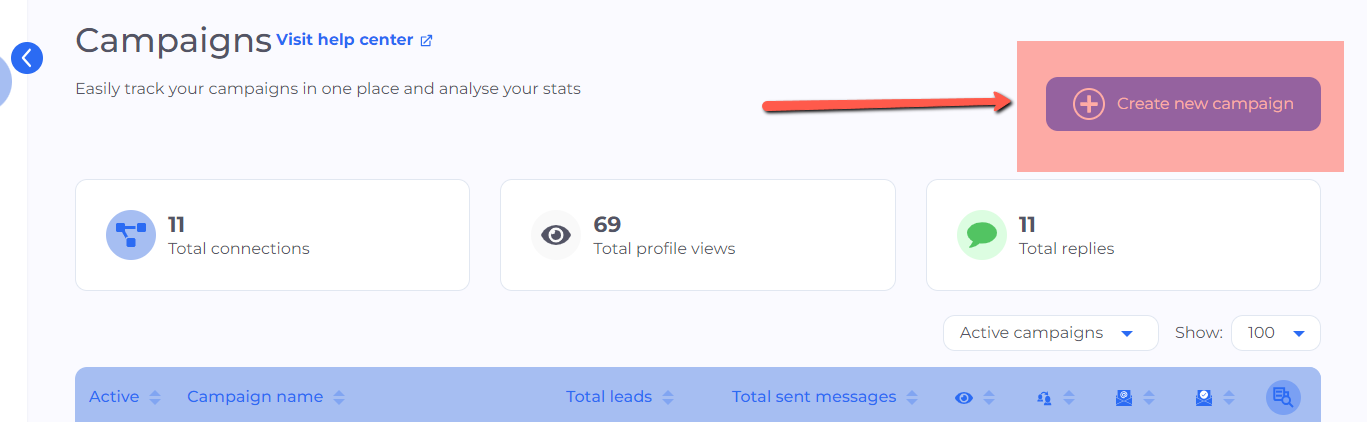
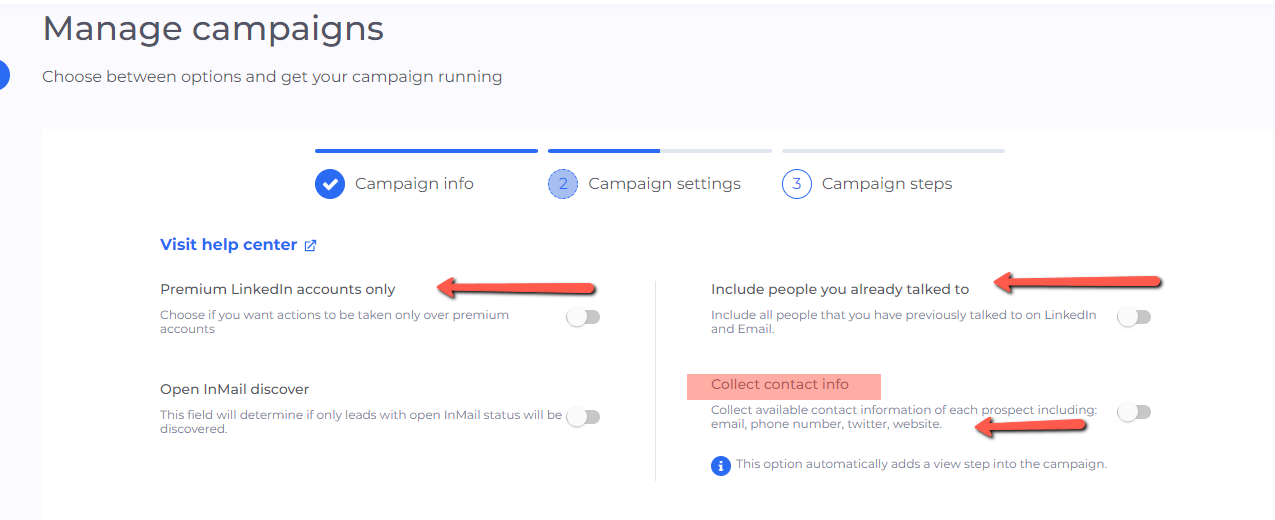
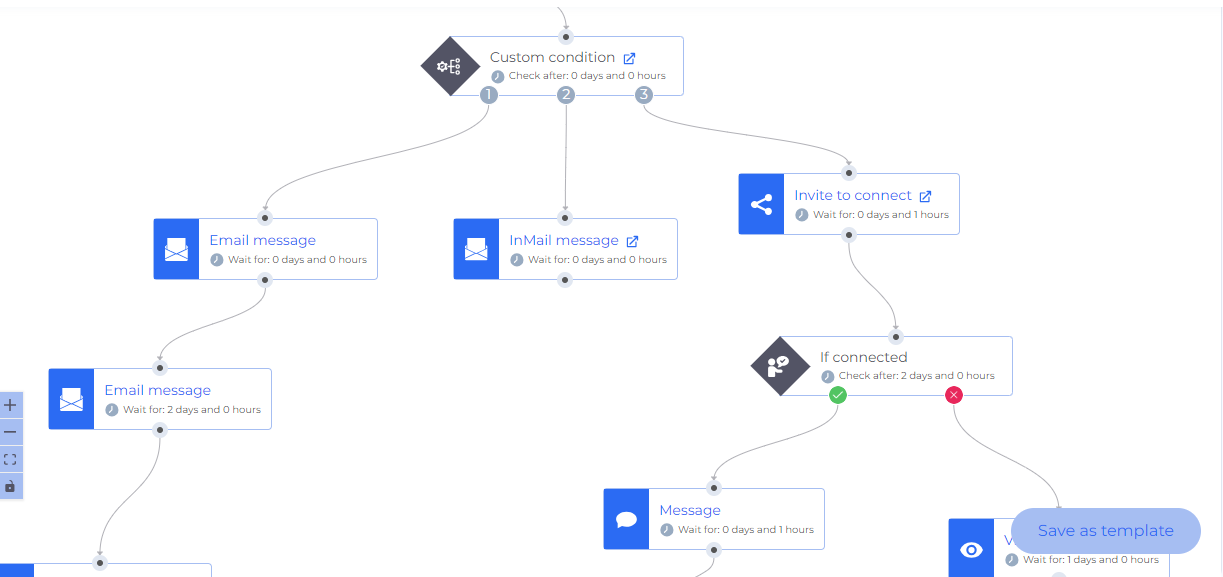
Great outreach is simple, specific, and consistent. Here are strategies you can apply immediately.
Hey {{firstName}},

{{mutualConnectionName}} suggested I reach out as you may be the right person to help with my research on {{Topic}}.
Open to connecting?


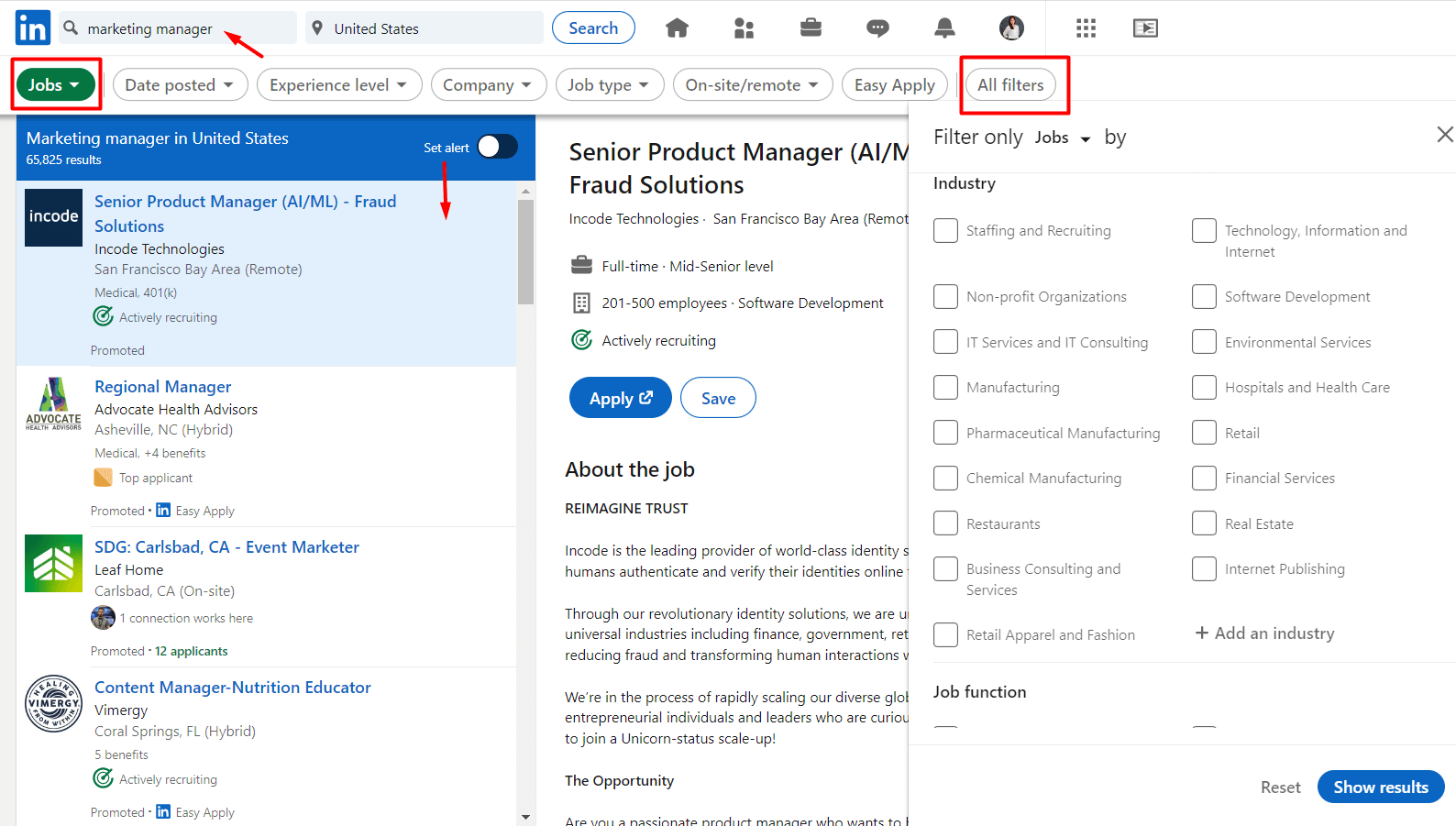
Use Smart Sequences to combine LinkedIn + email, add timing logic, and keep your outreach consistent—without losing the human touch.
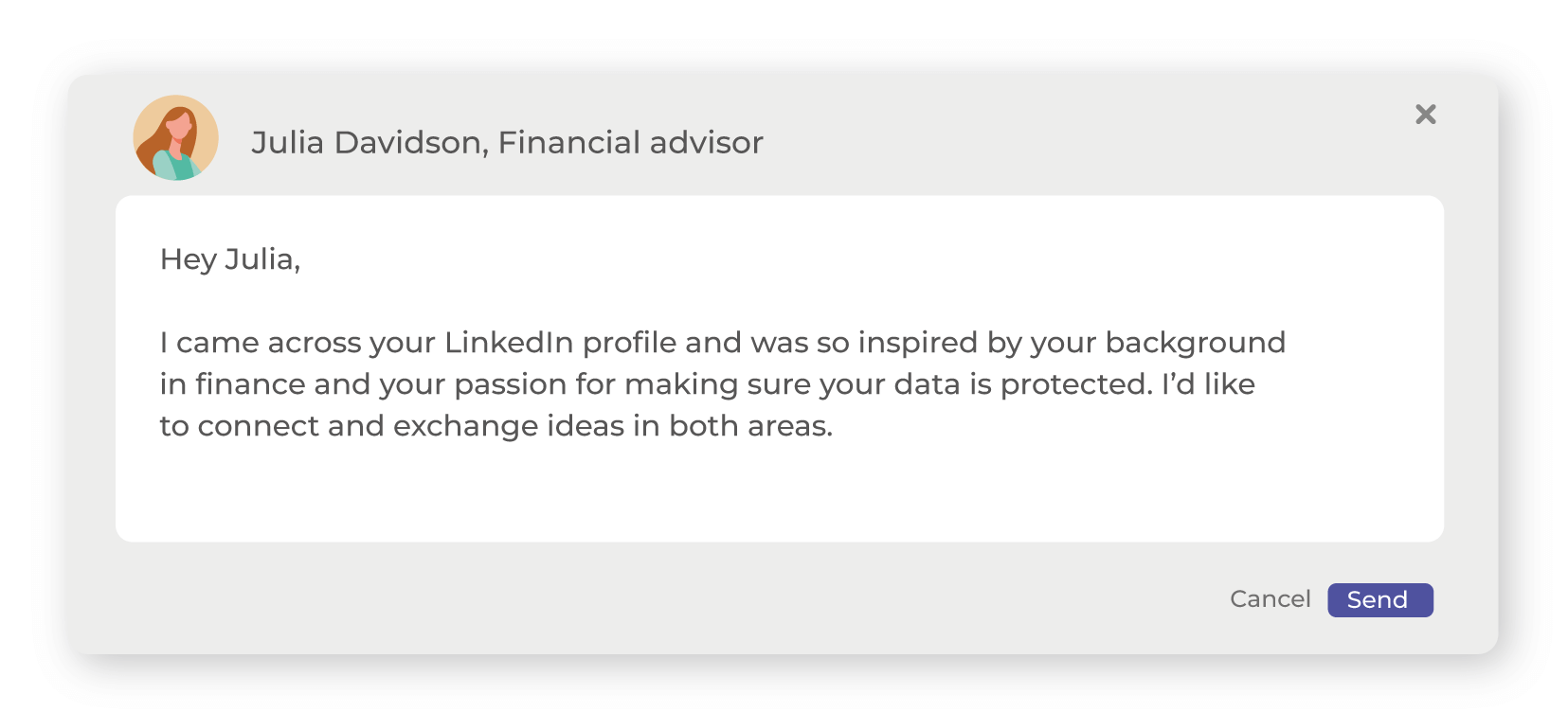
Use these as starting points—swap in real personalization and keep the CTA simple.
Hey {{firstName}},

I came across your profile and liked your work in {{industry}}—especially around {{workAreaOfInterest}}.
Open to connecting?
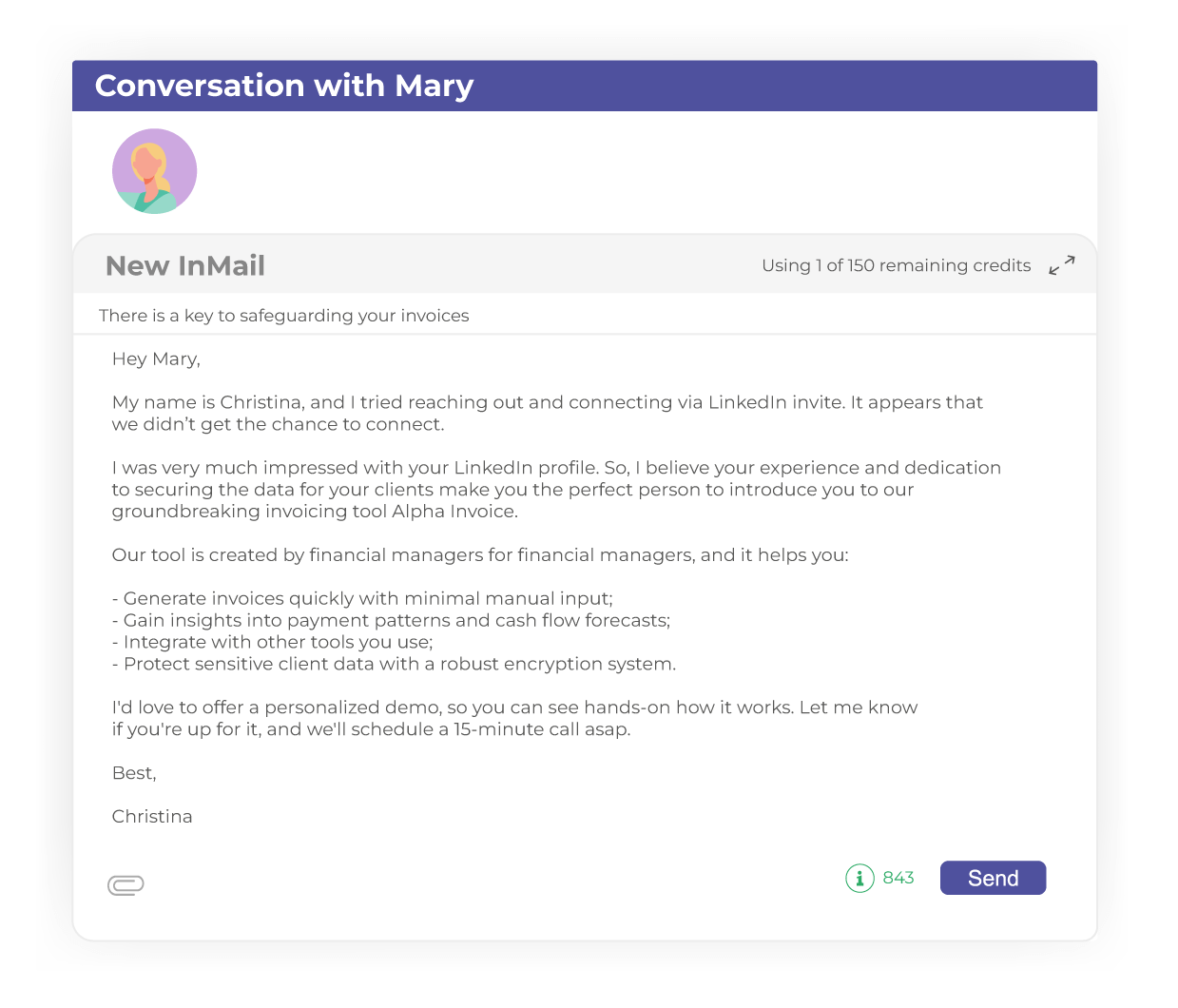
Subject: A quick idea for {{painPoint}}

Hey {{firstName}},

I tried connecting earlier but we may have missed each other.

I noticed your focus on {{workAreaOfInterest}} and had an idea that could help with {{painPoint}}.
If it’s relevant, I can share a short walkthrough and a couple of examples.

Open to a quick 15-minute chat this week?

Best,
{{yourName}}
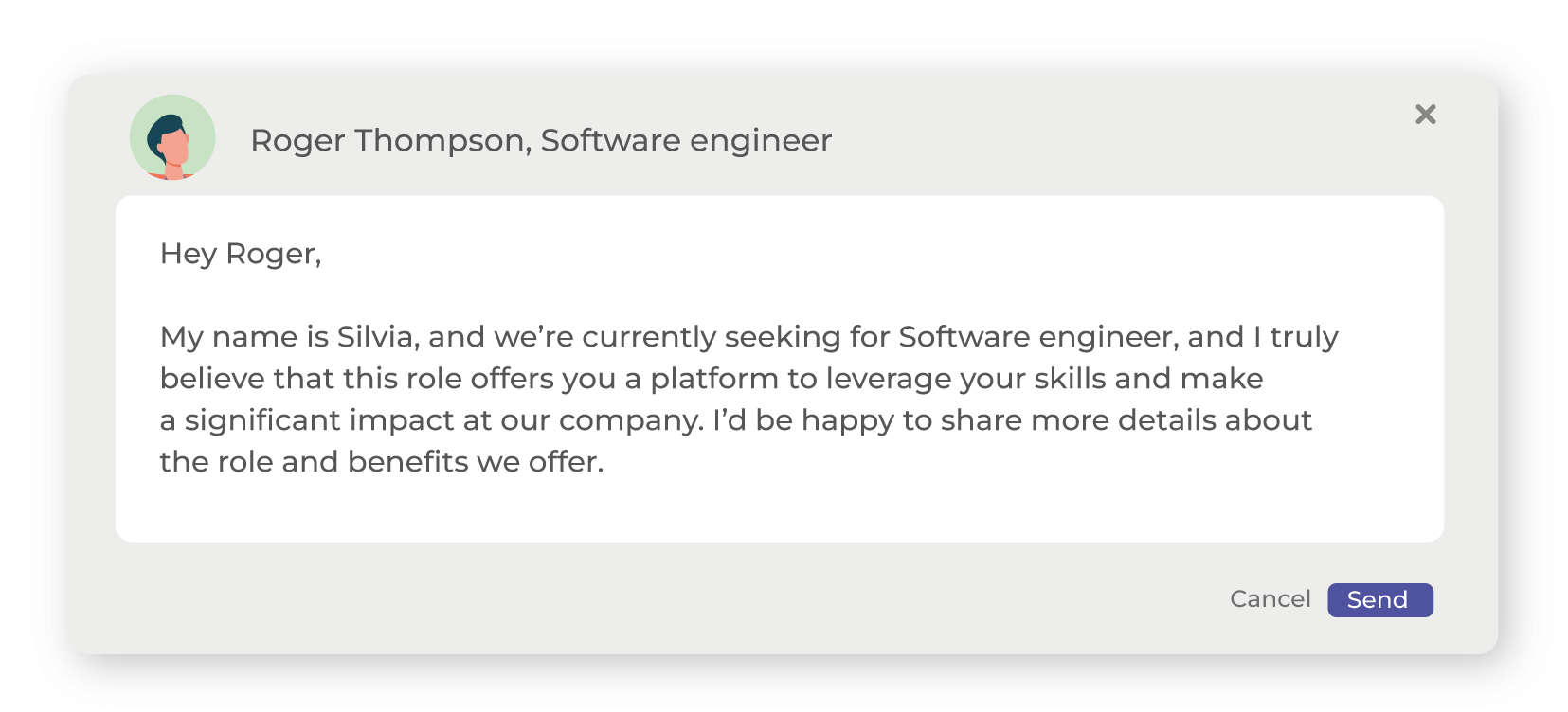
Hey {{firstName}},

We’re hiring for a {{Occupation}} role and your background stood out.
If you’re open to it, I’d love to connect and share details about the role + benefits.

— {{yourName}}
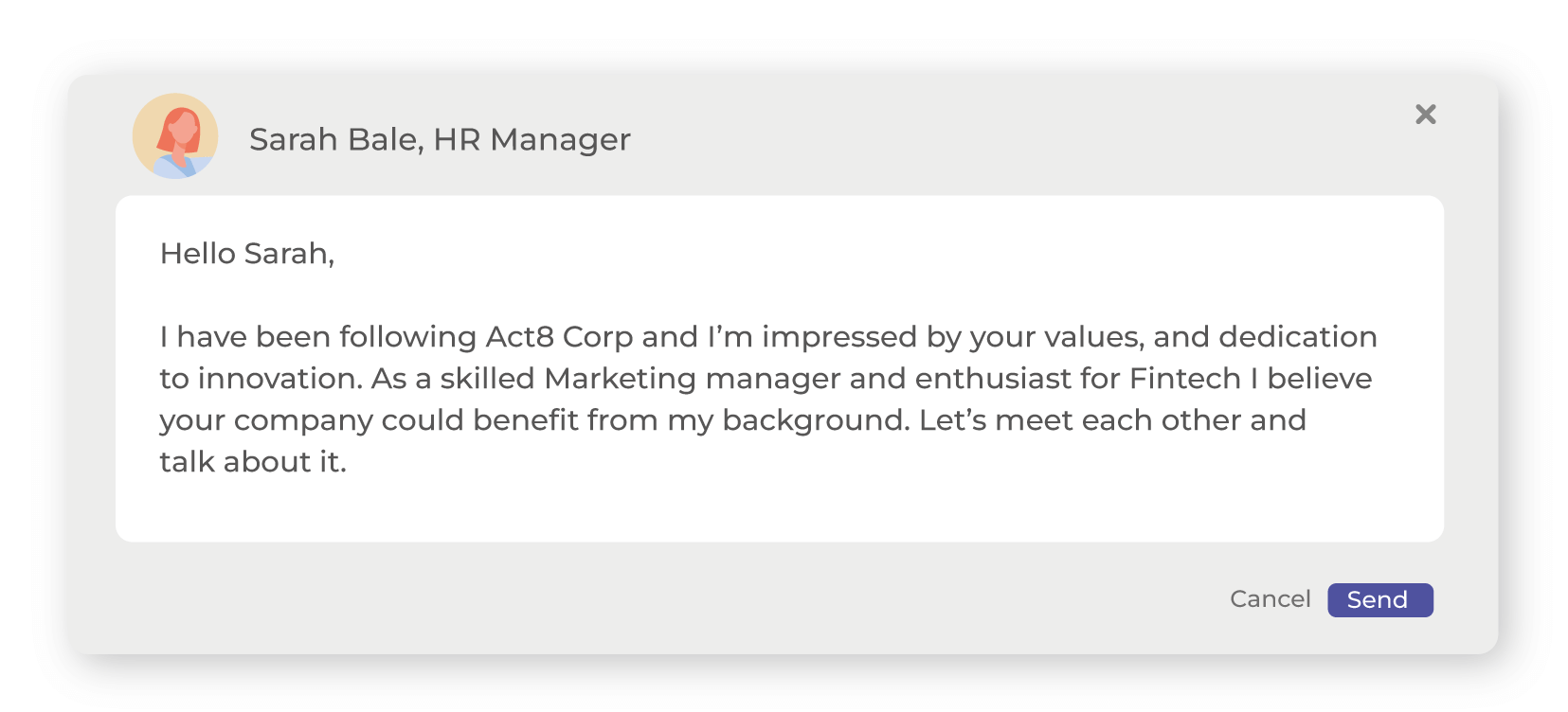
Hello {{firstName}},

I’ve been following {{companyName}} and I’m impressed by your values and focus on innovation.
As a {{Occupation}} with experience in {{companyIndustry}}, I’d love to connect and learn what you look for in candidates.

Thanks,
{{yourName}}
- Higher SSI scores correlate with more opportunities and better performance.
- LinkedIn can outperform other social platforms for lead generation in many B2B contexts.
- Thought leadership and personalized messaging can meaningfully increase engagement and conversion likelihood.

Is prospecting on LinkedIn worth it?
Yes. LinkedIn filters help you find your ICP/contact persona faster, and profiles often provide helpful context (and sometimes contact info) to support a multichannel outreach approach.
What is the success rate of LinkedIn outreach?
Success depends on your goal, targeting quality, and personalization. In general, tighter lists + clear value + consistent follow-up drive higher acceptance and reply rates.
How can I grow my connections faster?
Focus on relevance: connect with people who match your ICP/contact persona, reference real details, and keep requests short. Consistency beats bursts.
Followers vs connections — which matters more?
It depends on goals. Content creators benefit from followers; relationship-driven roles (sales/recruiting/partnerships) often benefit more from connections.
You don’t need to memorize everything—bookmark this guide and apply it as you build your workflow: define your ICP/contact persona → build lists → set up campaign → create sequence → personalize messages → nurture and engage.
3 Responses